
Home Assistant control for Apple devices
Your whole home. One calm glance.
See what needs attention, find the right room, and keep everyday controls close. CasaRay brings your Home Assistant home to iPhone, iPad, Apple Watch, and Mac.
iPhone · iPad · Apple Watch · Mac
One complete home free. Optional Plus features.

For the everyday moments
Find what matters. Get on with your day.
Start with the house
See open doors, lights left on, indoor comfort, and what needs attention. Weather and waste collection sit alongside the home, so the next useful detail is close.
Go straight to the room
Active rooms come first. Move from a floor to a room, then open a device when you need its details. A large home stays easy to browse.
Reach the right control
Find lights, blinds, climate, audio, and access together. Review the device and the requested action before confirming a sensitive control.
Cameras
A view of what is happening.
Check a camera in Free. On iPad and Mac, Plus adds Live Wall for up to four or six cameras at once. Viewing and audio options depend on your camera and provider.
See camera options and limits
Energy
Understand where the power goes.
See solar, grid, and battery flow, then look at the consumers behind the total. Electricity, gas, and water history use the data your Home Assistant setup provides.
Understand the energy view
Your existing home
Use CasaRay. Keep Home Assistant.
Connect your existing Home Assistant setup for daily control. Keep using Home Assistant for integrations, automations, and administration. CasaRay gives you a direct route back when you need it.
You can also choose which Apple Home accessories to add on iPhone, iPad, and Mac. Supported Apple Home cameras use native viewing sessions; recording history stays in Apple’s apps.
Close at hand
A useful glance, wherever you are.
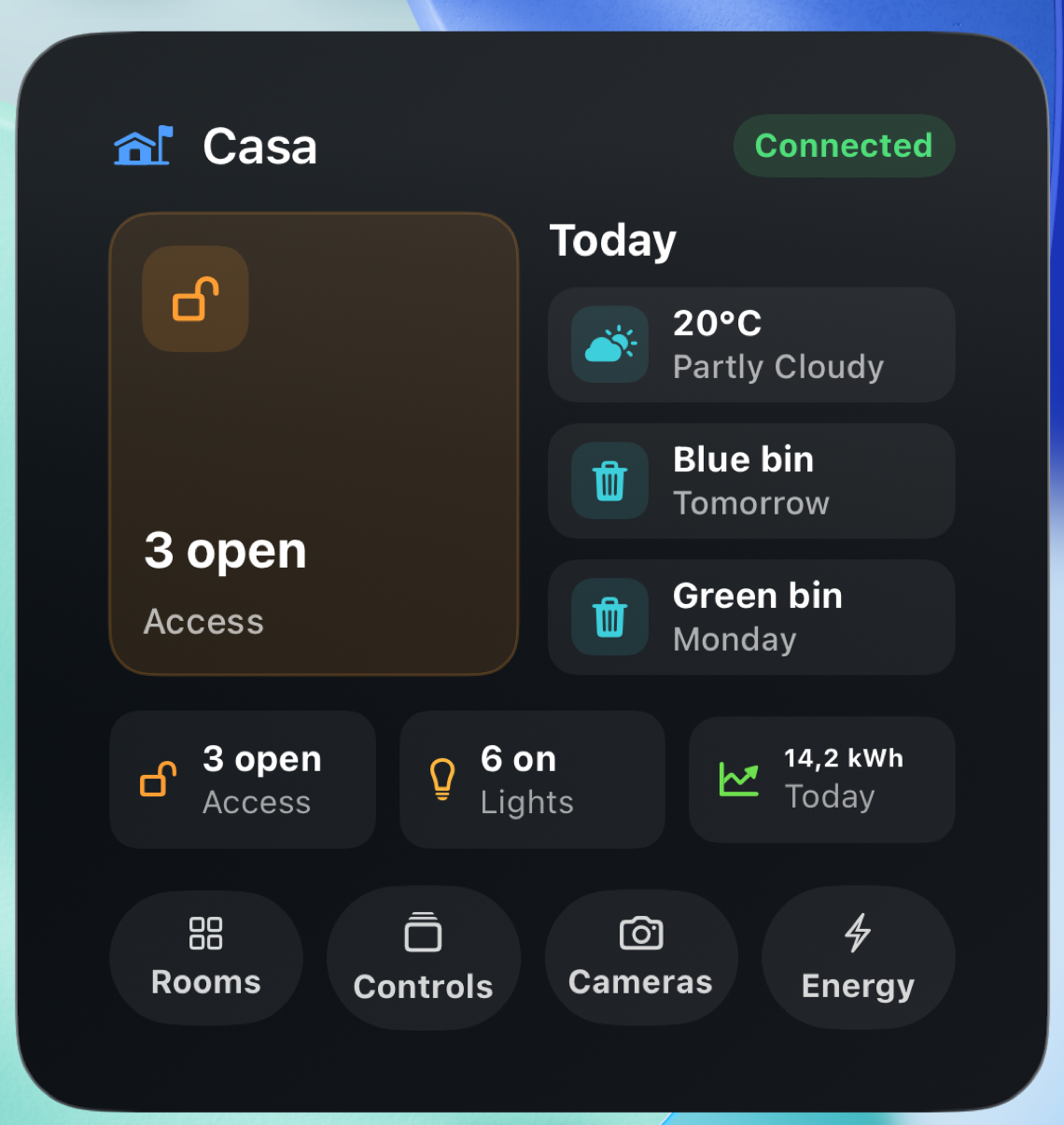
Open the right place in CasaRay from a widget. Follow a vacuum or mower on your Lock Screen while it runs. Apple Watch offers quick status and manual controls through your paired iPhone; CarPlay keeps supported controls within Apple’s system interface.
Explore Watch and CarPlayFree and Plus
Your whole home works for free.
Start with one complete home. Plus adds more ways to view, organize, and use it.
CasaRay Free
Everyday home control
- All rooms and devices, with no device-count cutoff
- Live status, lights, covers, climate, scenes, and access
- Camera snapshots and single-camera live viewing
- Basic notifications, widgets, and personalization
- Optional Apple Home accessories, Watch status, and supported CarPlay controls
CasaRay Plus
More ways to use your home
- Multi-camera Live Wall on iPad and Mac
- Searchable notification history and rules
- Home Assistant dashboards inside CasaRay
- Advanced navigation and dashboard placement
- Experimental Assistant, where available
Monthly and yearly subscriptions. The App Store shows the local price and any eligible trial before you purchase.
Your home, your information
A direct connection to your home.
Everyday state and controls travel between your Apple device and your configured Home Assistant. Evotec does not receive your Home Assistant token, device inventory, camera feeds, energy data, or control access.
Optional services have specific data paths: the notification relay forwards alerts to Apple, and Assistant sends your prompts and relevant home context to OpenAI. The privacy page explains what each service receives.
Read how your data is handledGet started
Make yourself at home.
Download CasaRay and connect Home Assistant. You can also explore a sample home in Preview Mode before connecting your own setup.